Accessories - How long should I charge my Infinity Charging Case?

May 13, 2022

The Charging Case Mini (1000 ma) will be recharged in 60 - 90 minutes.

The Charging Case Max (1500 ma) will be recharged in 90 -120 minutes.


Also in Product Information

Vape pod systems displayed in-store
How to Choose the Best RELX Vape Pod for Your Needs

February 20, 2026

Not all vape pod systems work the same way. This guide explains how pod vapes function, how they differ from disposable devices, and what factors to consider when selecting one. Readers will also learn about RELX pods, device compatibility, and how flavor and lifestyle preferences influence the vaping experience.
Read More

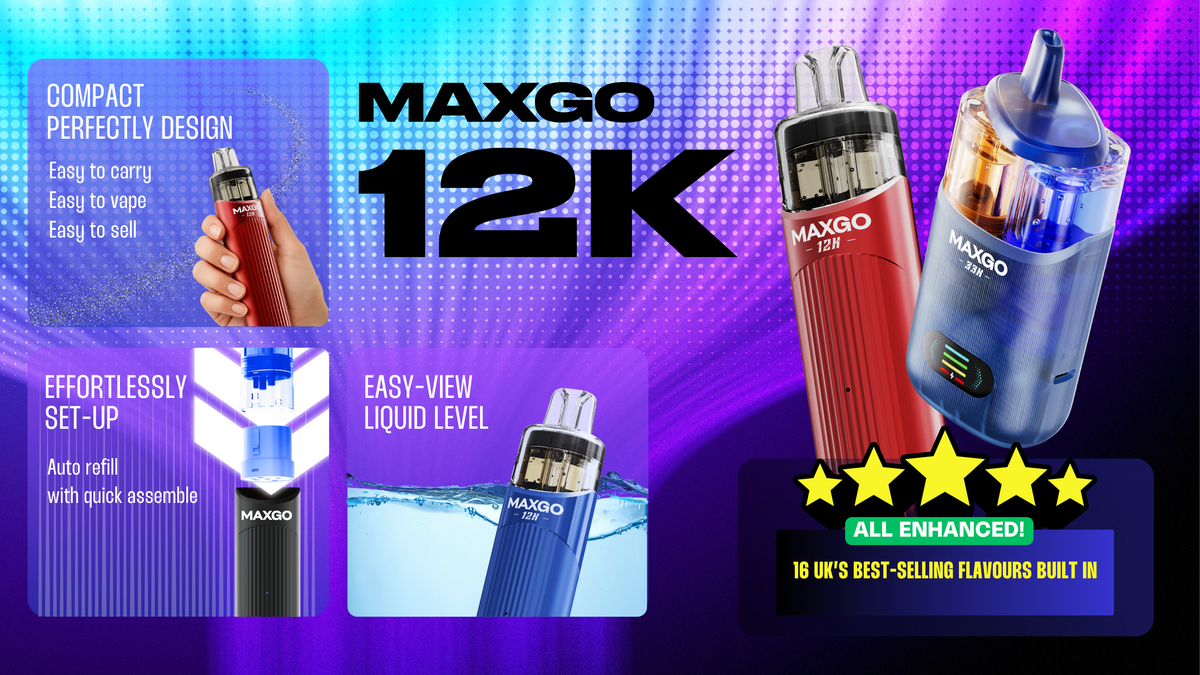
RELX MAXGO 12K I RELX UK
RELX MAXGO 12K: Unrivalled Longevity, Bursting Flavour & Effortless Compliance

July 18, 2025

RELX MAXGO 12K: 12,000 puffs with +30% juicier flavour via MESH tech. TPD-compliant 6ml refillable, anti-leak & 600mAh USB-C charging.
Read More

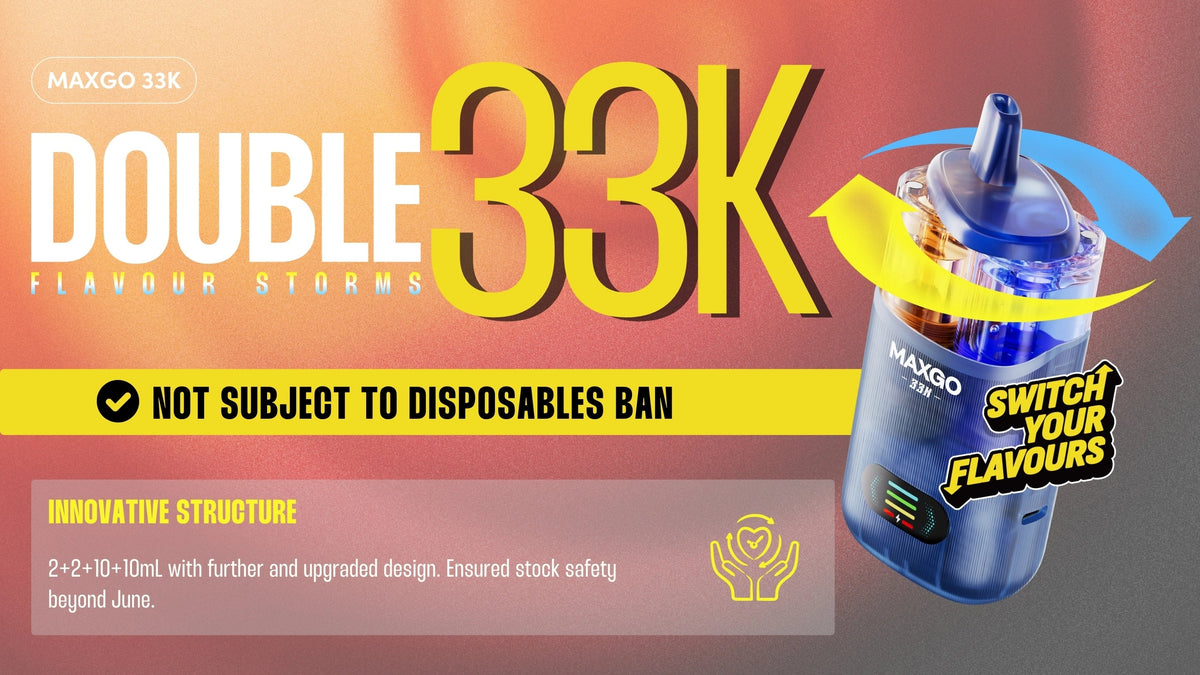
RELX MAXGO 33K | RELX UK
RELX MAXGO 33K: The Ultimate Vape Kit Experience

July 16, 2025

RELX MAXGO 33K: The ultimate vape kit with 33,000 puffs, dual-flavour switching, and 25W power. Featuring anti-leak tech & rechargeable battery for long-lasting performance.

Read More

Notice! We have found that you have already participated in Referral activities, and repeated participation in the activities will not be rewarded
Got it (5s)
RelxNow PWA
Add shortcuts for a smooth experience. Once you log in from the shortcut, you'll get a free pack of pod.

Step 1
Click the “Add Home Screen” menu.
Step 2
Click the “Add to Home Screen” from the menu list.
Step 3
Click the button of “Add”.
Step 4
After the installation is complete, you will see this icon on your desktop.
RelxNow PWA
Download

Add shortcuts for a smooth experience. Once you log in from the shortcut, you'll get a free pack of pod.
RelxNow PWA
Didn't work? Click here 👉

A free pod coupon will be sent to your Coupon list after you log in
Tips
If your Chrome cannot add RELX shortcut, please follow the steps below to set up and try again.
Step 1: Open the system settings, find Chrome browser in the application settings list;
Step 4: Refresh the page and re-add.
* If still unsuccessful, please use your system browser to open and try again.
OK, Got it
Shopping Cart
 
Coupons available now,Check out to Use

Total

£0.00
Your cart is empty!
Continue Shopping